
Term-based redaction
Enter one or many words and phrases, toggle case sensitivity, review hit counts by page, and redact selected or all matches.
PDF-dactyl helps you find sensitive terms, OCR scanned pages, manually review every redaction, and export a cleaner PDF built for safe sharing. Import, search, OCR, export validation, and SHA-256 hashing all stay on your device.
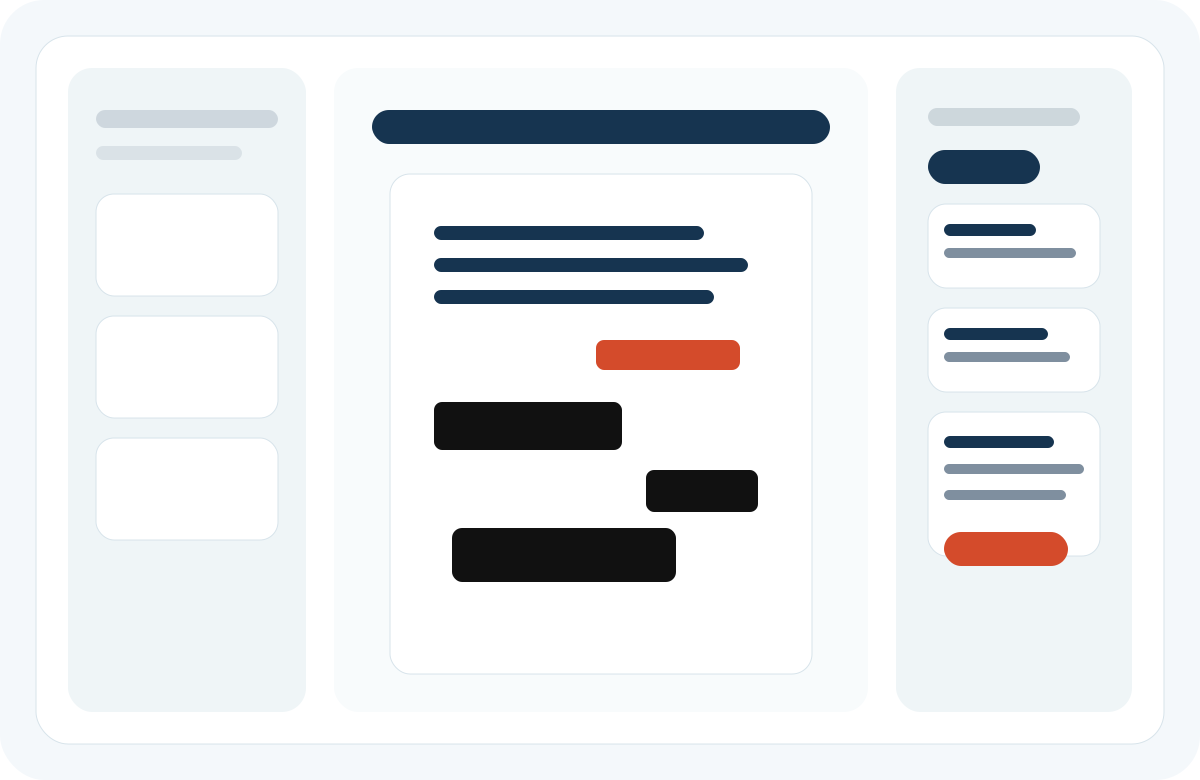
PDF-dactyl is designed around the difference between a reversible draft and a final export. You inspect first, correct mistakes while it is still safe to do so, then generate a new sanitized PDF for disclosure.
Open a PDF from Files, duplicate it into the app sandbox, inspect page count and metadata, and decide how aggressive the export should be.
Use native PDF text search where available, and on-device OCR for low-text or scanned pages so image-based content can still be reviewed.
Redact all matches, selected matches, text selections, or manual boxes. Move or remove mistaken regions before final export.
Generate a new sanitized PDF, strip or minimize metadata, validate tracked terms, and record a SHA-256 hash for integrity checking.
The product prioritizes clarity, auditability, and control over flashy automation. Every feature is local-first and centered on review quality.
Enter one or many words and phrases, toggle case sensitivity, review hit counts by page, and redact selected or all matches.
Render scanned pages, run Vision OCR on-device, and map matching words or phrases back into reviewable redaction boxes.
Add manual boxes, redact selected text, move draft regions, remove page-level mistakes, and undo or redo editing operations.
Inspect PDFs made in other tools, detect annotation-style redactions, and flag pages that still expose extractable text beneath visible cover marks.
Build a new PDF with flattened redactions instead of relying on removable overlays as the only protection.
Choose standard, strong, or maximum sanitization to control how aggressively the export is rebuilt and cleaned.
Generate PDF or text audit reports and verify exported files later by SHA-256 hash without leaving the device.
PDF-dactyl separates editing from sharing. You can keep correcting the draft project until you are ready, then choose how aggressively the final PDF should be rebuilt for release.
Rebuilds redacted pages, cleans the primary metadata fields, and keeps the rest of the document as intact as practical.
Also rebuilds pages with auxiliary annotations and is intended for documents where comments or markup history should not survive the handoff.
Re-renders every page into a flattened share-safe copy. It is the heaviest option, but the safest when document residue matters more than selectable text.
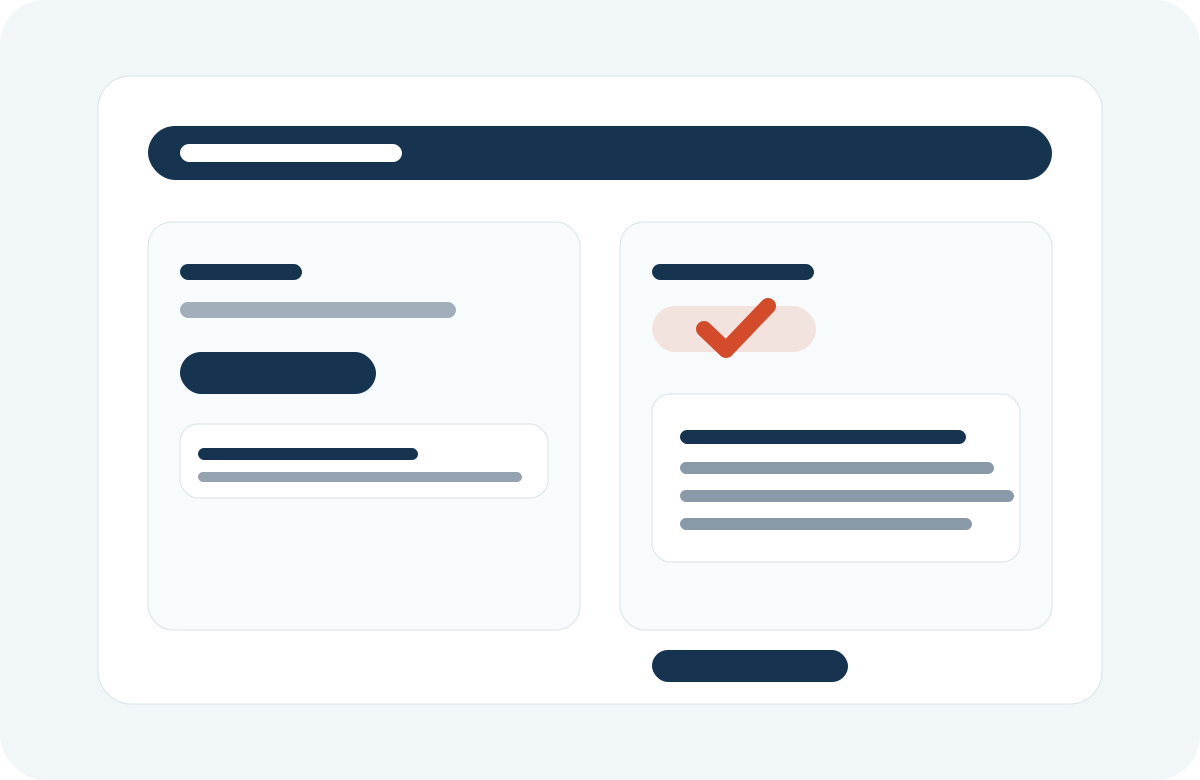
PDF-dactyl does more than cover text. It records a SHA-256 hash for the sanitized output, lets you copy it immediately, and includes the hash in the audit report for later verification.
PDF-dactyl can audit third-party PDFs for sloppy redaction mistakes. If a file only looks redacted but still carries an extractable text layer, the app can flag the page, show that existing text locally for authorized review, and generate a safer flattened export.
When another editor stored redactions as removable annotations, PDF-dactyl can identify them and import them into draft review so they can be replaced with a safer workflow.
When the page still contains extractable text under a black bar or similar visual cover, PDF-dactyl can expose that already-present text locally and then sanitize the page properly.
Prepare disclosure copies, remove tracked terms, and keep a separate editable draft while review is still in progress.
Clean PDFs before sending them outside your organization, especially when source files combine scans, notes, and exported forms.
Keep OCR, matching, hashing, and reporting local instead of uploading sensitive files to a service you do not control.
The workspace is built around Apple-native document tools: PDFKit for viewing, Vision for OCR, CryptoKit for hashing, and a SwiftUI shell that adapts from iPhone review flows to wide-screen iPad and Mac layouts.
PDF-dactyl performs OCR, search, redaction, hashing, report generation, and export validation on-device. No analytics, no trackers, and no cloud processing are included in the app.